
Echo Video Did You Know?...

Check Out These Guides
Have a look at some of the features included with EchoVideo and watch guides on how you could use them to enhance your work.
Click the image to open the guide in a new window.
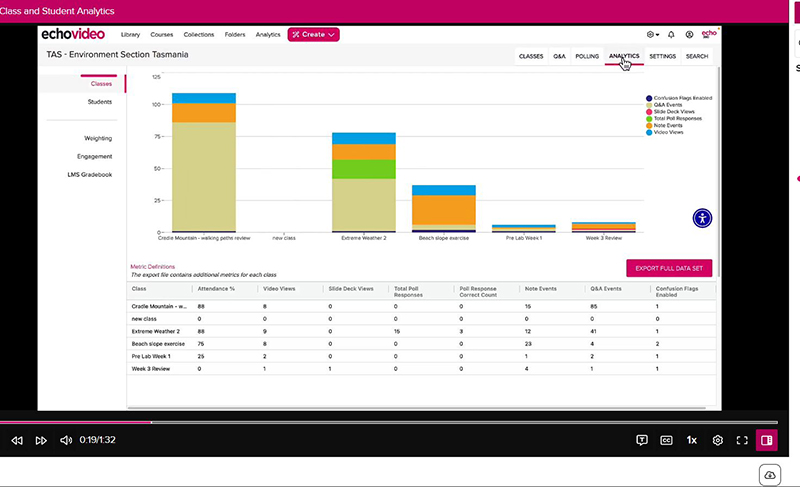
Class and Student Analytics
How to use the class and student analytics to see where students engage with all of your section content.
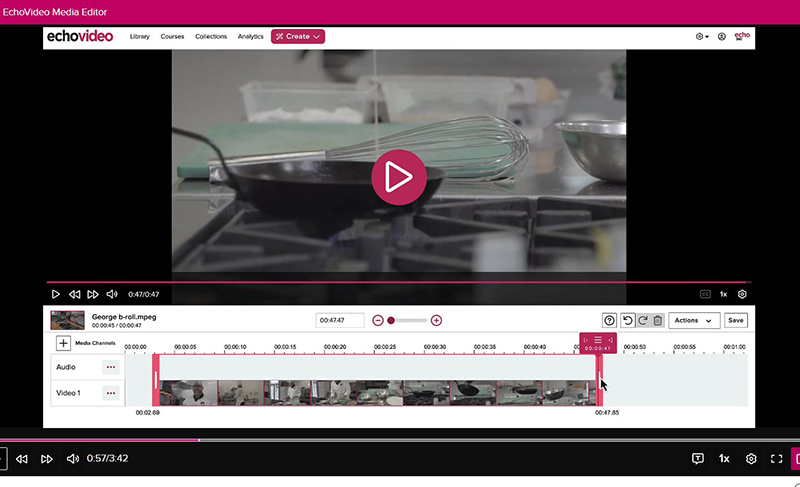
Edit your media
Echo includes a simple video editor to allow you to trim and arrange your clips.
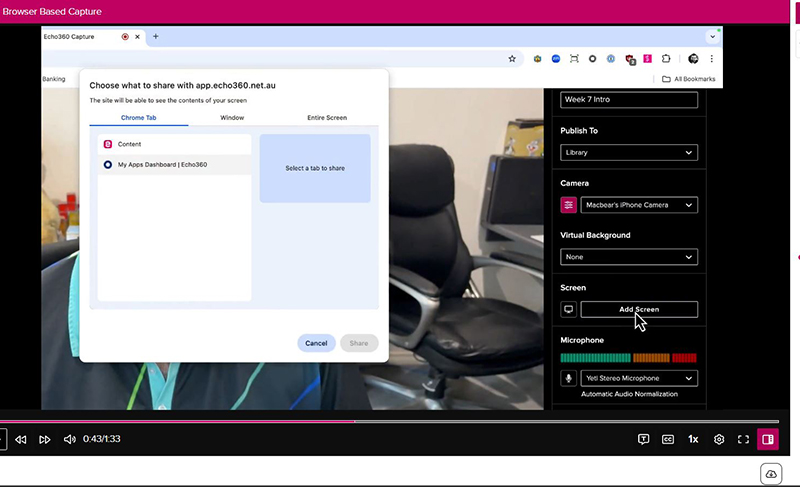
Create videos directly within your browser.
How can I use browser based capture to create videos?
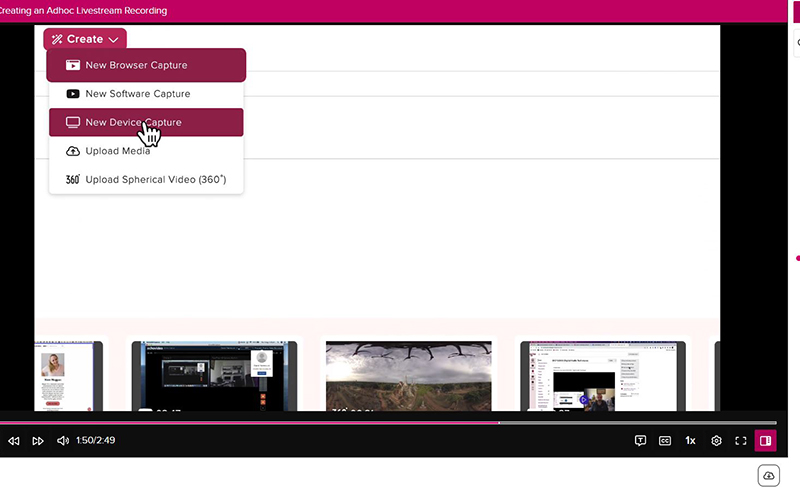
Create an ad-hoc livestream recording
How can I create an ad hoc livestream using Universal Capture (UC) or via the create button?
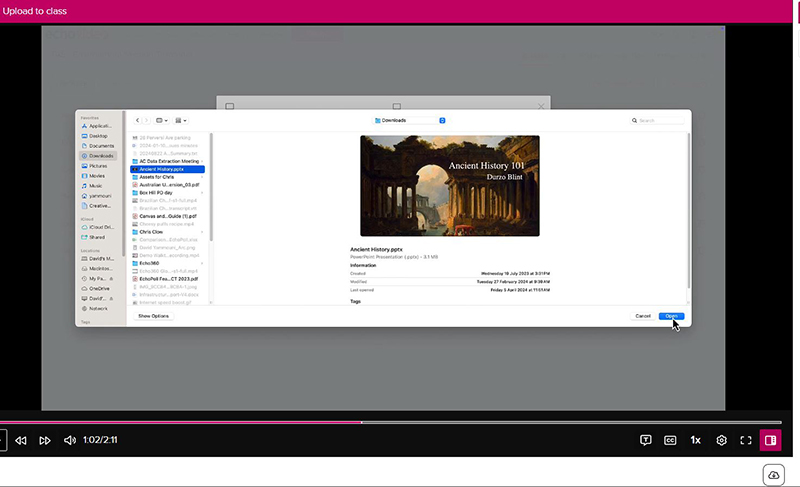
Upload content to your EchoVideo class
How can I upload content into my EchoVideo Class.
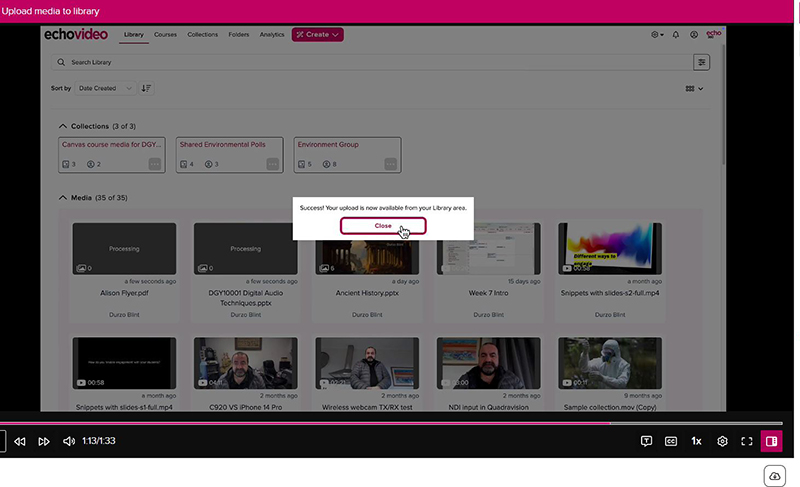
Upload Directly To Your EchoVideo Library
How can I upload content directly into my library.
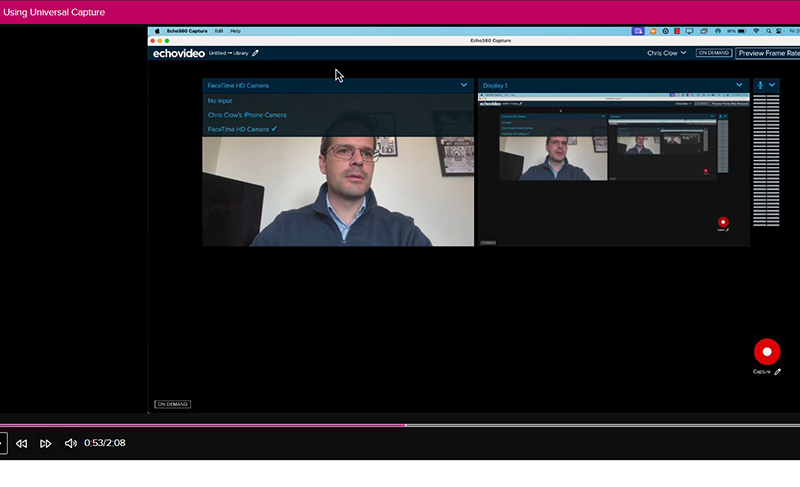
Create a Recording Offline
How can I use Universal Capture to create a recording offline?
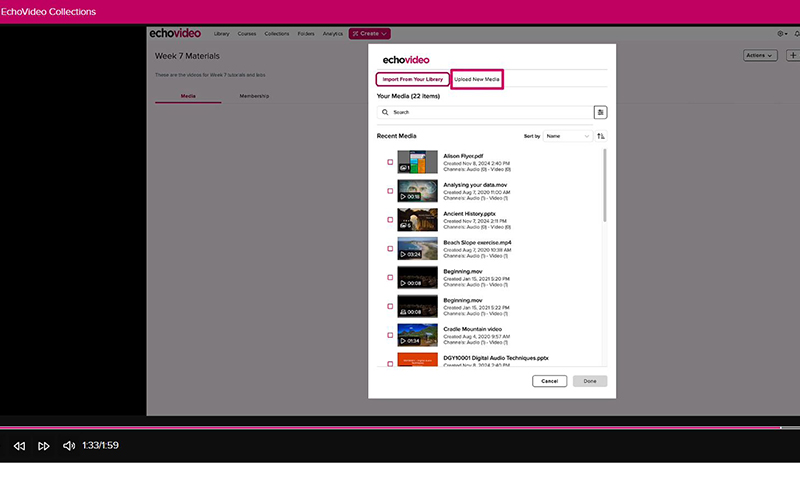
Manage Content
How can I manage content and share with specific people?
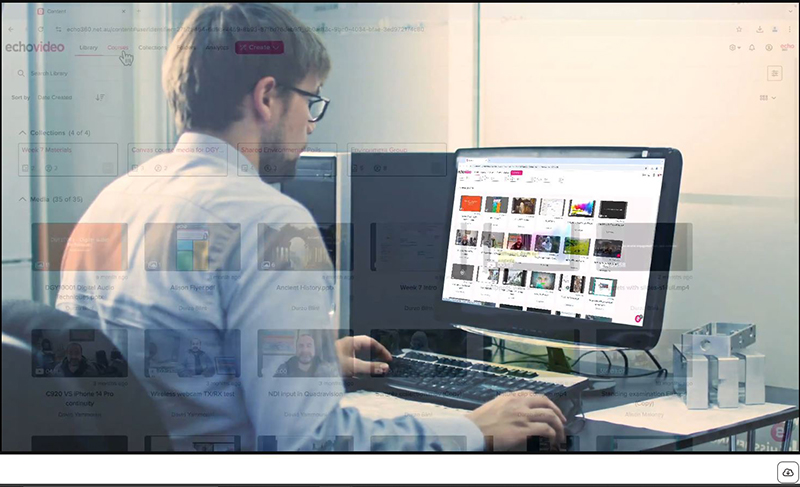
Create a New Class
How can I create a class in a course section I own?
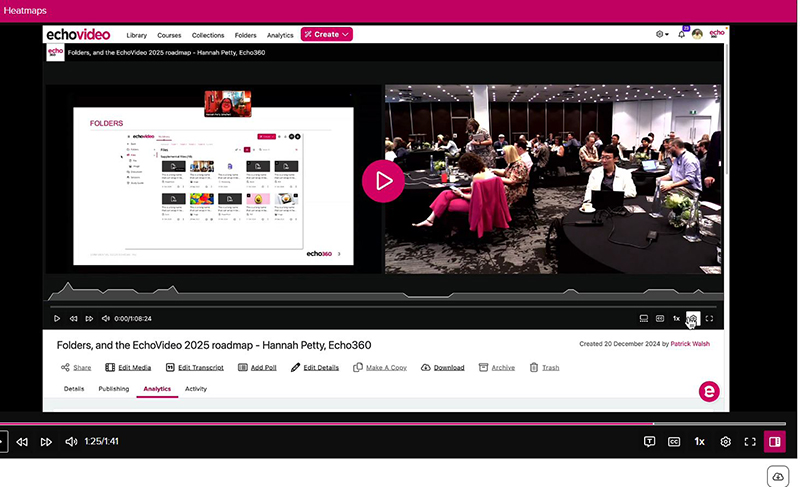
Check Engagement
How to use heatmaps to see where students are engaging with your recordings.
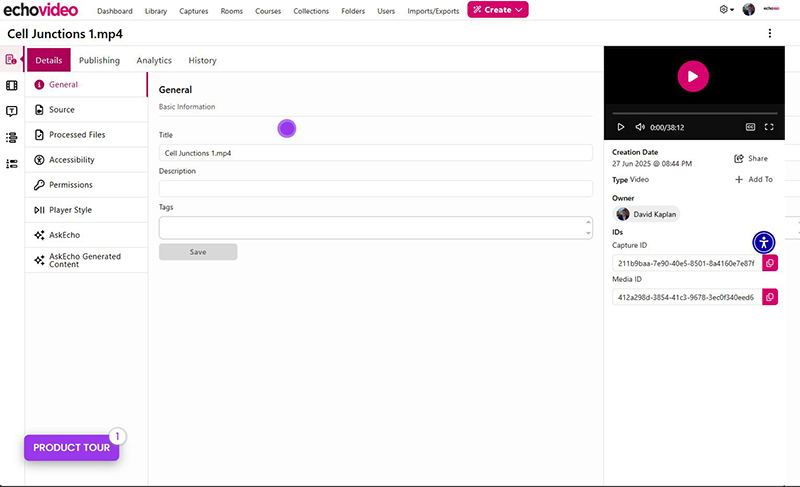
AskEcho
Create summaries, FAQs, quick reference cards and quizzes using AskEcho.
This is an interactive demo - select Instructor or Student focussed and click through the options.
Digital Learning Echovideo Guides
Browse the Echovideo guides provided by Digital Learning