Using Mahara for assessment

Mahara supports authentic and reflective assessment by allowing students to create digital portfolios that demonstrate their learning and achievement.
To help structure assessment activities, teachers can create template pages or collections to copy and adapt.
Thoughtfully designed templates can provide scaffolding through prompts, instructions, and suggested layouts, helping students focus on the content of their portfolio while ensuring assessment requirements are clearly communicated and consistently met.
You may be interested in listening to the Create.Share.Engage podcast hosted by the Mahara team at Catalyst IT to learn more about the use of assessment and portfolios. Episodes include:
- Authentic assessments tasks in biomedical research
- Take a programmatic approach to assessment with portfolios
- Creativity and feedback in assessment portfolios
In this guide:
- Using Mahara for assessment
- Creating an assignment
- Using a template for assessment
- Creating a template
- Commenting and peer assessment
For detailed guidance visit the Mahara manual section on Assessment.
Using Mahara for assessment
Mahara can be particularly effective when used for reflective and portfolio based assessment, allowing students to demonstrate learning and skills development through a variety of evidence types.
Examples of assessment in Mahara:
- Multimedia portfolios - students can submit evidence using text, audio, video, and images rather than relying solely on written assignments
- Reflective practice - students can reflect on their learning experiences, progress and achievements alongside their evidence
- Work-based learning - suitable for placements, internships, professional practice and workplace projects where students can document real-world experiences
- Group and project work - portfolios can be used to showcase collaborative outputs and reflect on individual contributions
- Professional skills development - portfolios an be mapped to professional standards, and used to evidence competency, skills and experience.
Creating an assignment
When using Mahara for assessment, consider the following best practices:
- Use rubrics to assess student work against of range of clearly defined criteria
- Incorporate formative feedback throughout the assignment process, including opportunties for both peer feedback and tutor feedback.
Using Moodle for your Mahara assessment
- Design the activity considering assessment methods
- Create a template to scaffold student learning
- Share the template with individuals or groups
- Provide students with instruction to copy the template
- Create a Moodle assignment using Mahara as the source
- Provide students with instructions on how to submit an assignment via Moodle
Using a template for assessment
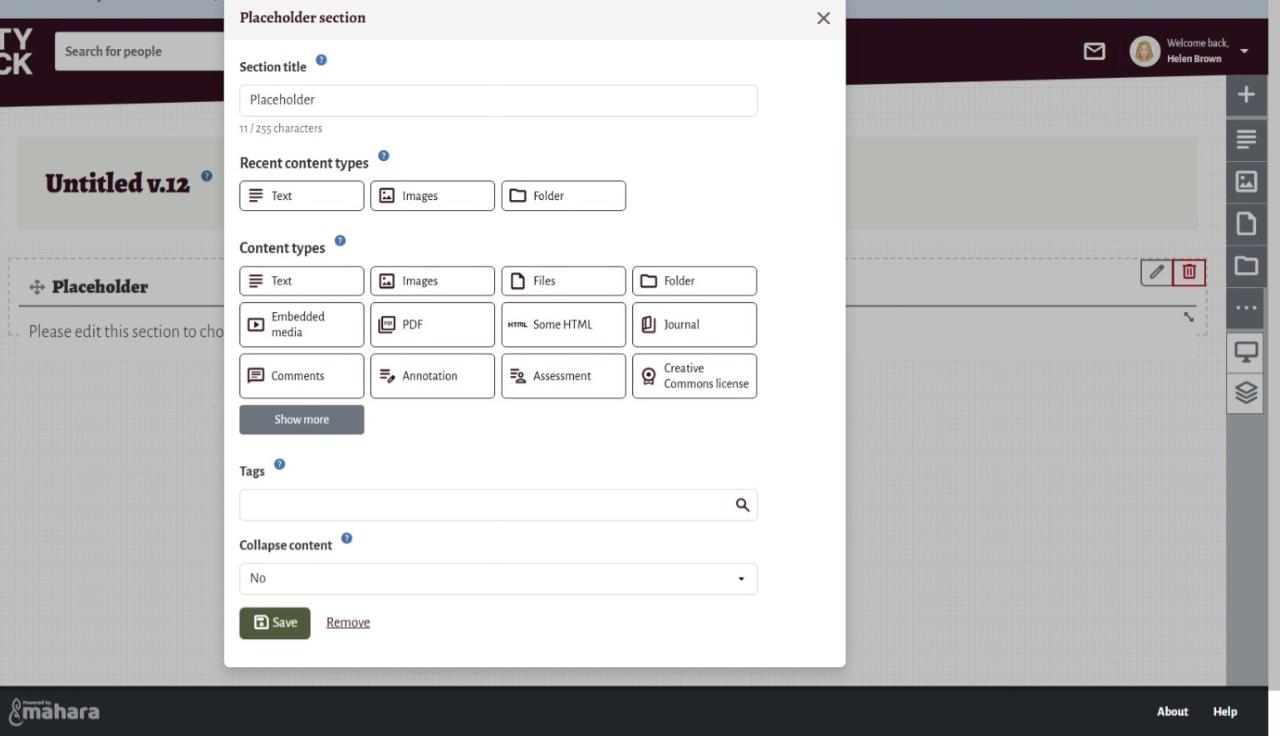
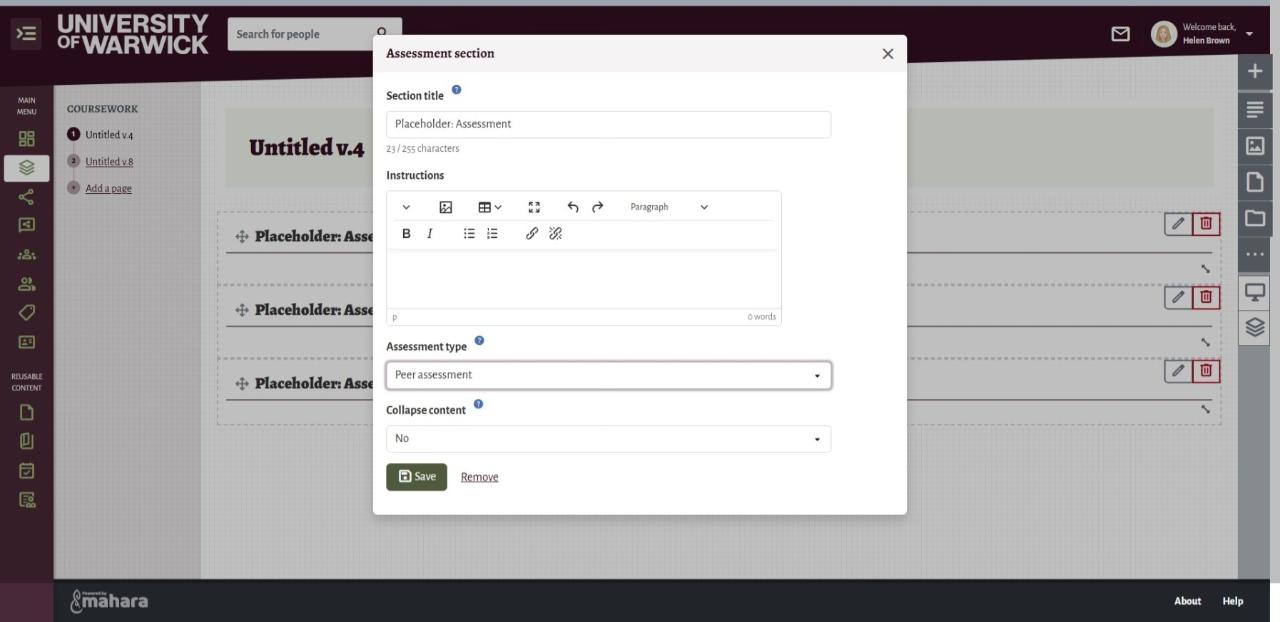
One of Mahara's most valuable features for assessment is the ability to copy pages and collections. This allows you to create templates that students or colleagues can use as a starting point for their own work. Templates provide effective scaffolding by guiding learners through the assessment process, reducing the uncertainty of starting from a blank page, and helping to ensure a scalable, consistent, and efficient approach to assessment design.
To further support students, templates can include instructional prompts, guiding questions, examples, and other cues that encourage reflection and help learners begin creating content with confidence.
A simple approach is to design each page around a specific aspect of the assessment and then combine the pages into a collection that can be distributed as a template. For example:
- Page 1: Introduction to the assessment, including its purpose, learning outcomes, and expectations.
- Page 2: A space for students to upload notes, presentation slides, or other evidence demonstrating critical analysis.
- Page 3: A section for data analysis, project outputs, or evidence of skills and techniques applied during a placement or practical activity.
- Additional pages: Reflection, professional development, feedback, action planning, or any other assessment components.
By structuring the collection in this way, students can focus on demonstrating their learning rather than spending time deciding how to organise their portfolio, resulting in a more consistent and engaging assessment experience.
Click on the hotspots below to find out how to set up your page as a template for assessment.