Working with groups
Mahara groups provide a shared space where users can collaborate, communicate, and organise activities around a common purpose.
Groups can be used for teaching and learning, project work, communities of practice, or administrative teams, allowing members to share pages, portfolios, files, discussions, and resources in one place.
Depending on the group's settings, membership can be open to everyone or managed by a group owner, making groups a flexible way to support collaboration, peer interaction, resource sharing, and the development of online learning communities.
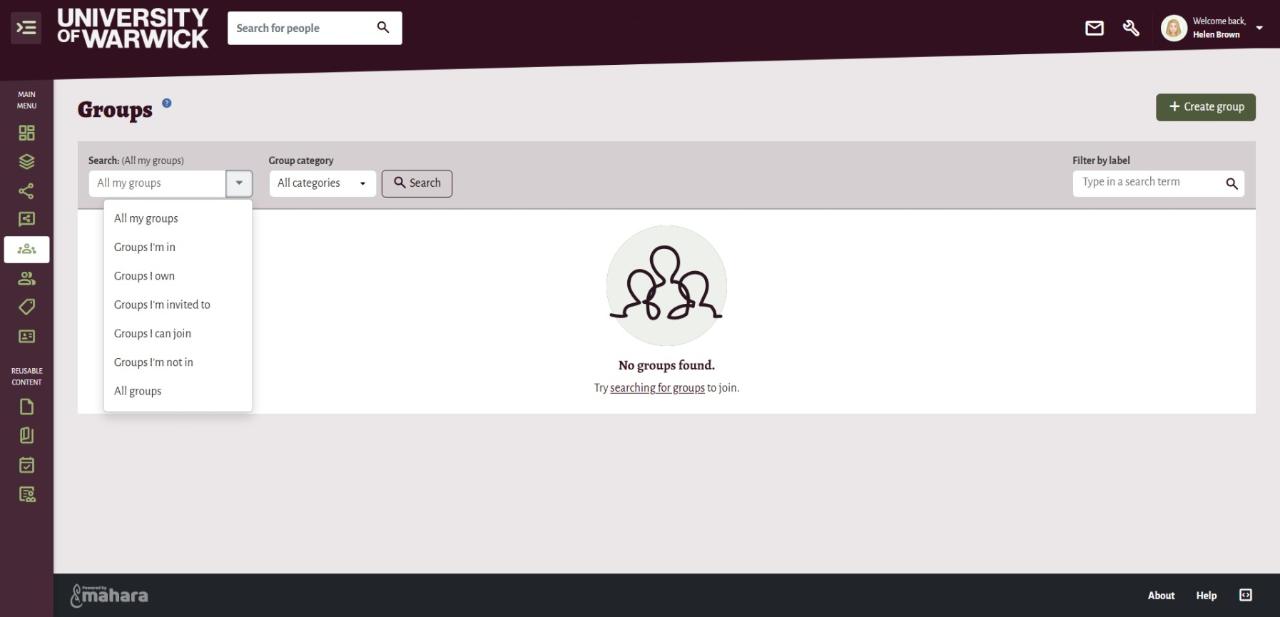
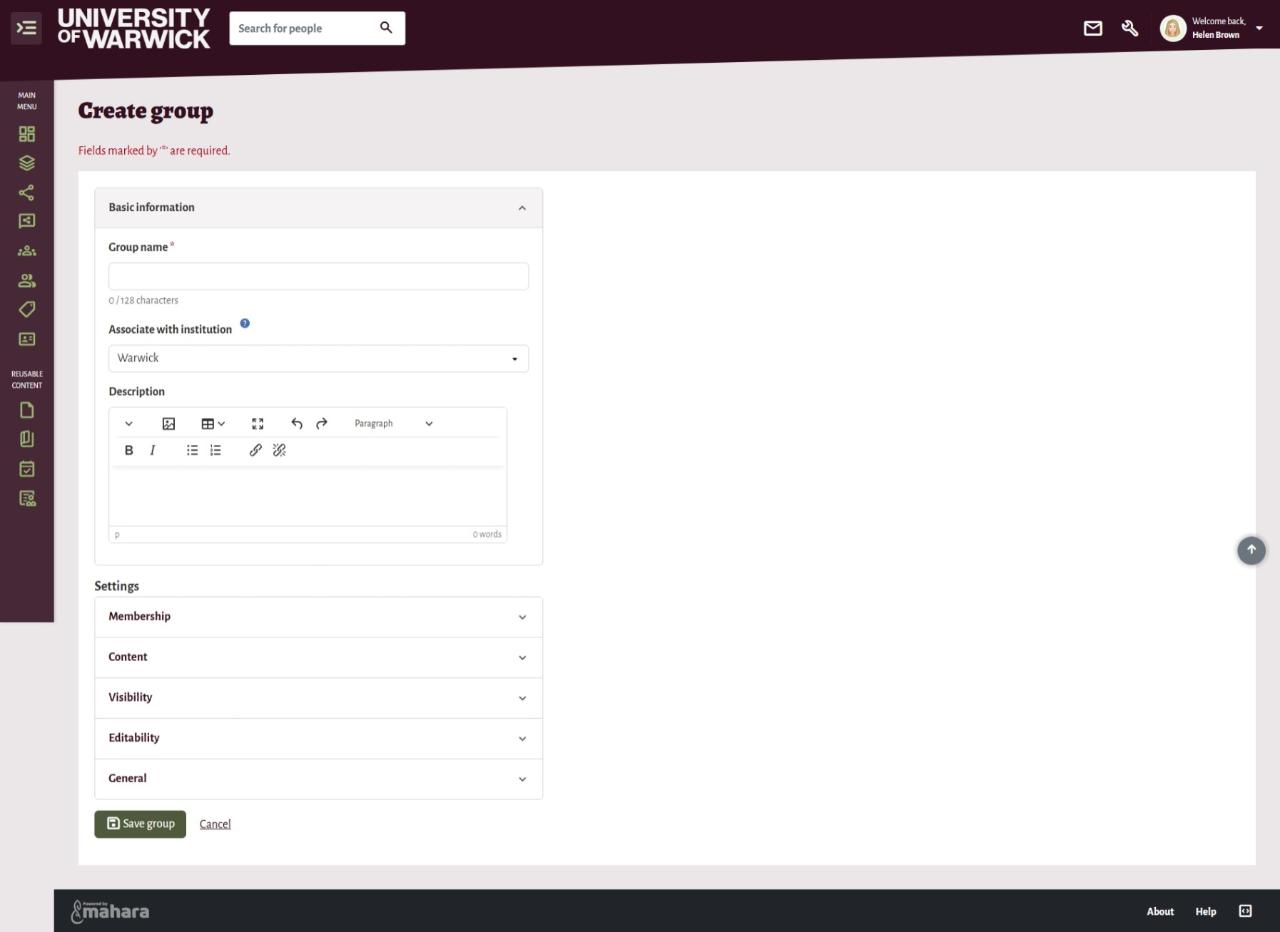
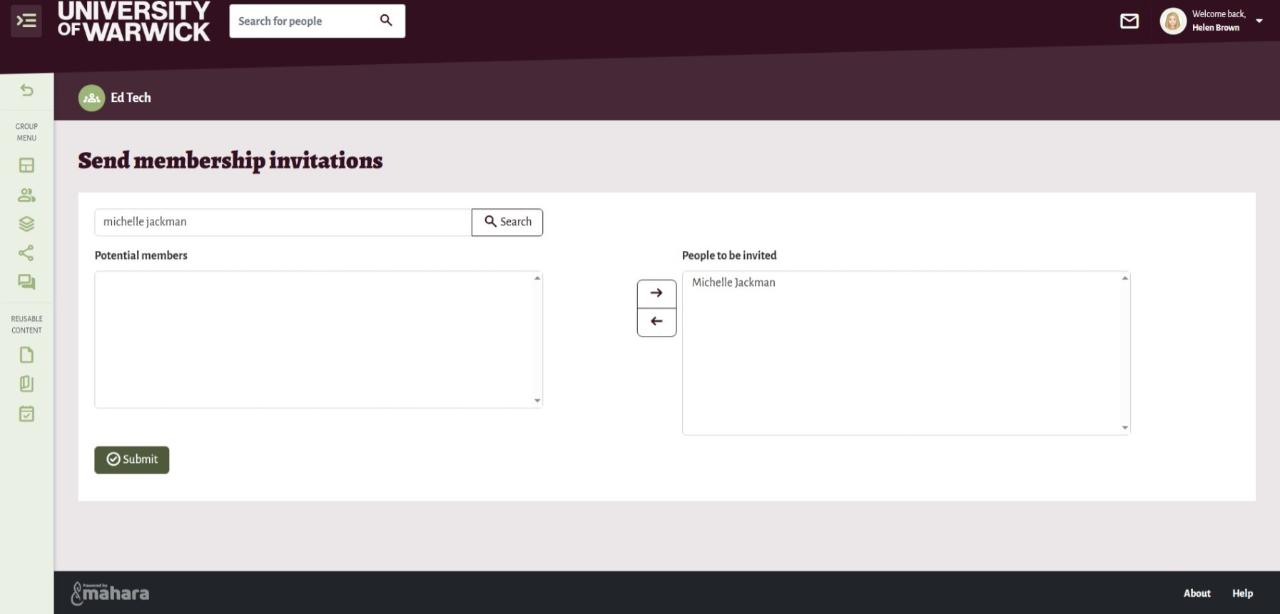
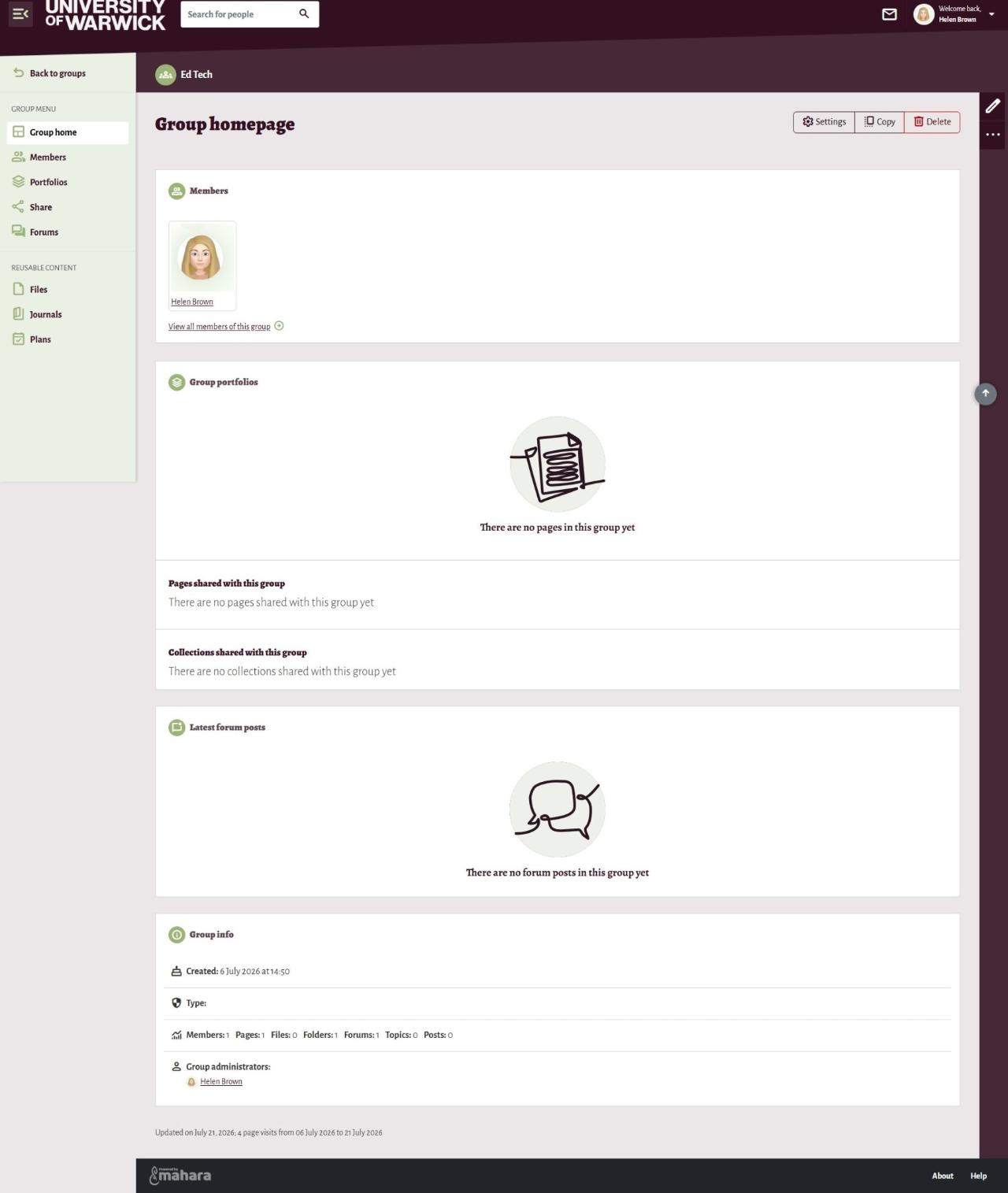
Visit the Mahara manual for detailed guidance on using groups and creating groups.
In this guide:
Using groups in Mahara
Groups can support collaboration by providing a dedicated space for people to work together and share resources. Within a group, members can participate in co-creating pages and editing pages and collections and sharing files and portfolios.
Groups are particulary useful for courses, projects, and communities of practice. Just some example use cases include:
- Module resource sharing - a module leader creates a group for a specific cohort of students and shares lecture slides, reading lists, seminar materials and assessment guidance all in one central location.
- Collaborative group projects - students working on a group assignment use a Mahara group to create and edit pages together, adding their project files, sharing research findings and to document their progress throughout the project.
- Professional practice or placement support - students on a placement could use the group to share their reflective journals, evidence their learning and experiences, while tutors and supervisors can monitor progress, make comments and offer guidance.
- Peer review activities - a tutor could create a group where students share portfolio pages with their cohort, and provide constructive peer feedback as part of a learning activity.