Request a new site
In this article:
Note: We don't provide students with SiteBuilder access for personal home pages.
Request a new site for an academic department or service
To request a new SiteBuilder site, you’ll first need a page created at the web address (URL) where you want the site to live.
- Contact your department's website administrators and ask them to create a page at the required location.
- Once the page exists, email and ask for the page to be converted into a subsite.
New sites can inherit the look of the parent department or service or, if required, have a new look. To see what options are available, please visit our web design pages.
We also recommend taking a look at our Learn to use SiteBuilder guide to familiarise yourself with the basics before getting started.
Request a new page in an existing site
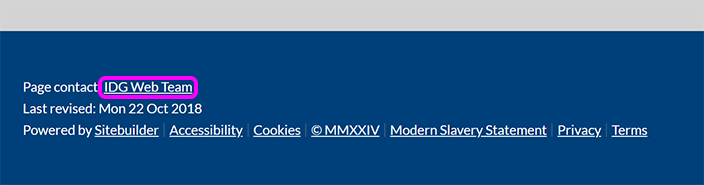
To create a page or section (for a new research group or student project, say) within an existing academic department's or service's site, contact the owner of the page where you want to create your page(s). The owner is shown at the bottom left of any page – select the page owner's name to send them an email: