
Distributing a questionnaire
You should now be ready to distribute your survey to your participants.
Click on the Distributions tab at the top:
You will now see this:
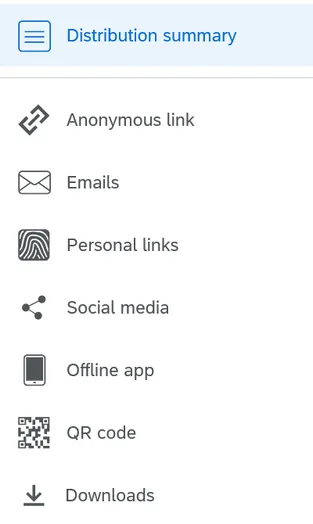
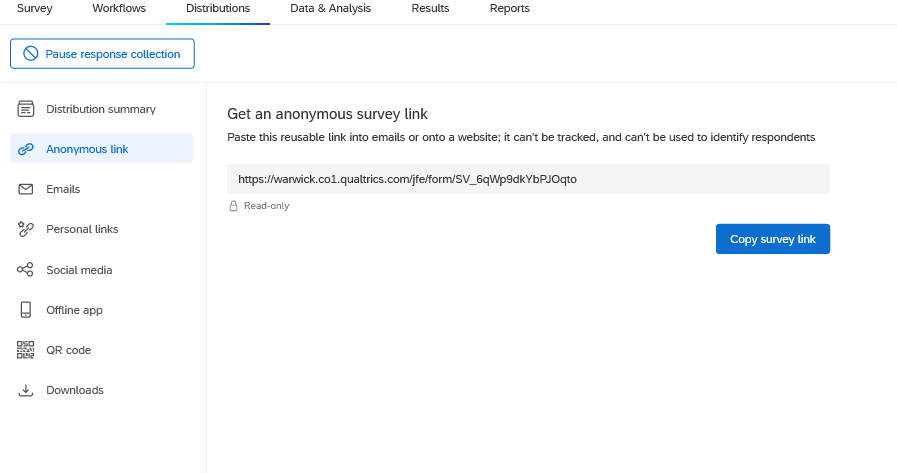
If you want anonymity to be maintained then opt for Anonymous link, which could be shared on a Moodle course page for example:
If you'd rather send a personal link to each student, ensuring complete confidentiality, click on Personal links and start composing your email. Please note that a distribution list will either need to be imported in Excel format (more details on how to do this here) or if there are only a few participants, you can manually add them in the next step.


Once you've selected your recipients you can customise and amend your email text as necessary:

Once you are ready to send, hit Send in 1 hour.