
7.2 Verifying your own online profile and account
Verifying your own online account & profile
To prove to recruiters and employers that you are a real person, you can also verify your own account.
Similar to you, hiring managers and employers also want to know if you are who you say you are, and they do that by searching for your online profiles and information (also known as you digital profile) to see if you are real.
On LinkedIn, once you create your profile you have the option next to your name to verify your account as shown in yellow on the left. Once you do that and follow the steps required, a verification sign will appear next to your name similar to the verified employer profiles on LinkedIn, as shown below in yellow on the right.
 Option to verify profile on LinkedIn
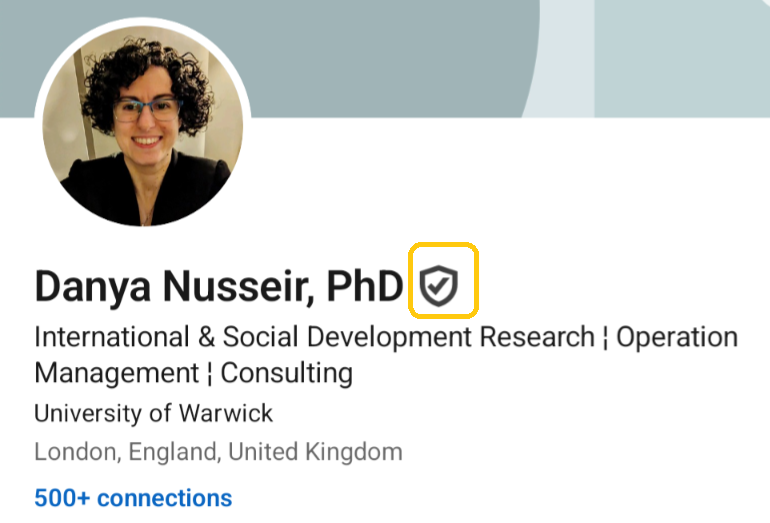 Verified profile on LinkedIn
It is important to note that, although well-know recruitment and job website and other social media platforms have this verification criteria, this does not guarantee 100% that the jobs posted are reliable and trustworthy. For this reason and if possible, the advice is that you try to search and find the job post or vacancy you are interested in directly on the employer company or organisation website.
🧰To summarise
Your first step should be to search for the source which is the company or organisation which has the job vacancy, then rely on verified accounts, and read the job description and trust your gut; if something does not feel right then it is best to let it go.