Labels
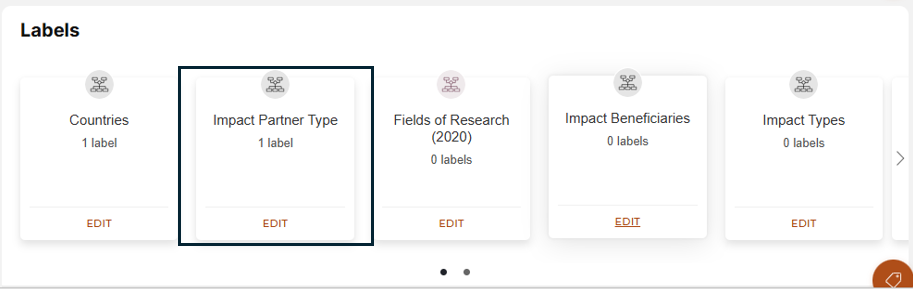
Labels: Record labels are used to build a profile of understanding as to what subject areas, departments and other elements relate to this record. Once a label is added it means that the record created will populate within that report. Please refer to the series of screenshots below:
Step 1 : Select the desired subject area you would like to add a label to:
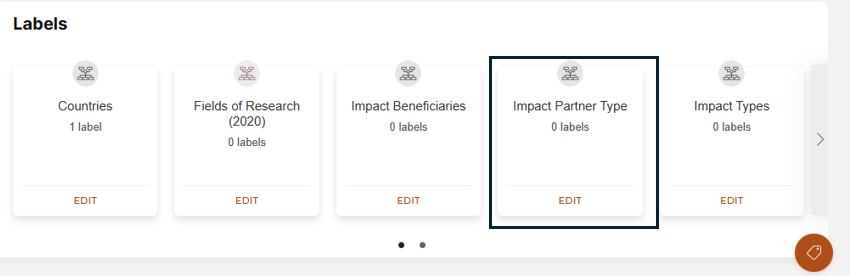
Step 2 : Type in the desired label needed :
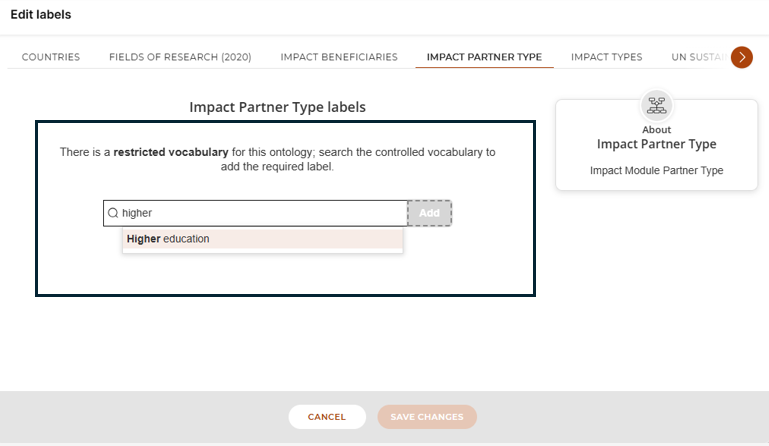
Step 3 : Select the desired label and click save :
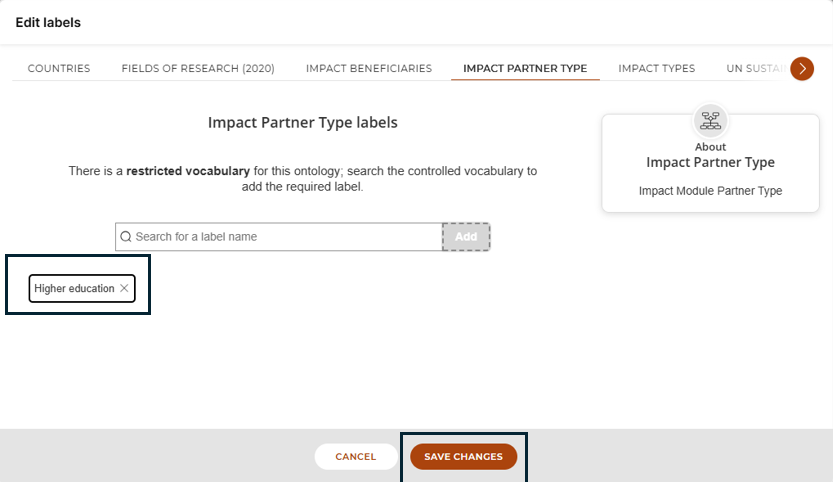
End result: We can now see that the desired label has been added to the record :