
Selecting Impact records
The first step when using the impact module is that we must understand where to review any existing records created. There are two options to successfully complete this action.
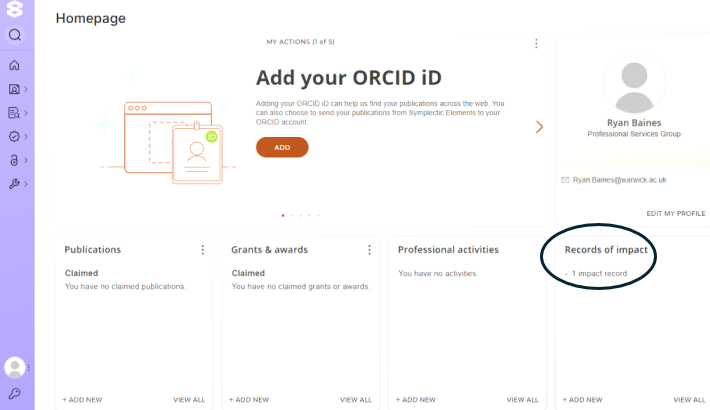
Option 1 : You can click on the records of impact section to the bottom right of the page.
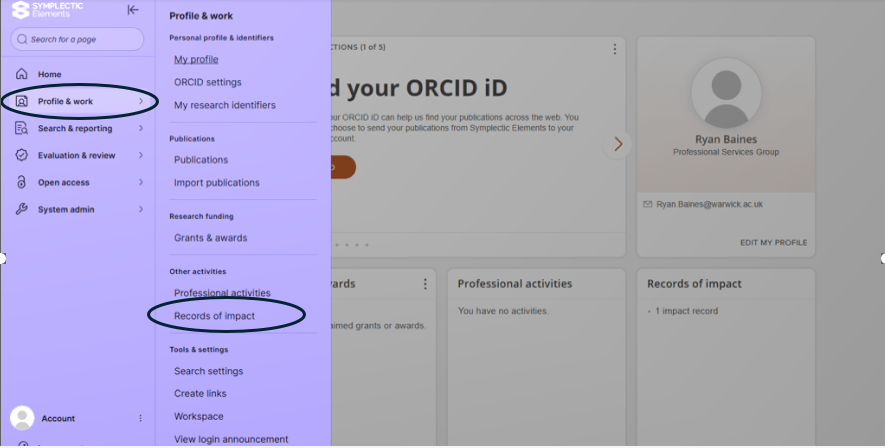
Option 2 : You can navigate via the drop down menu to the side
Whether you chose option 1 or 2 you will be taken to an overview page which is a library of any impact records you have created or you have been added to. Please see the screenshot below for further context.
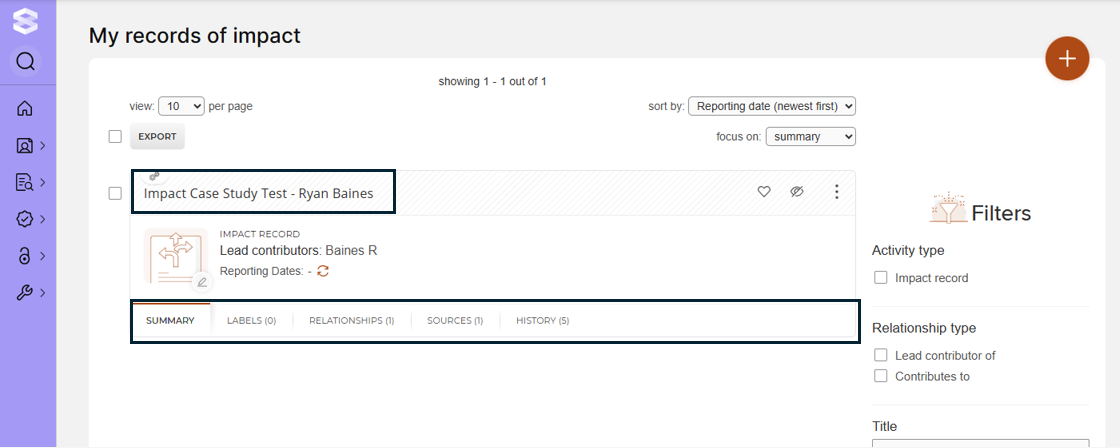
Once you are within your records of impact library you can go into those records and add further details if you needed to. You can add further detail by either clicking the quick link sections highlighted or go into the case itself. We will come back to how to add further detail later.