
Archived resources
Micro:Bit Resources
Getting Started
The best way to get set up with the Micro:Bit is by following their own guidance! Here's a link to their set up page. Once you've got used to putting some code on the Micro:Bit you can try their first few starter lessons. That will get you ready to try out the challenges here.
Challenge Cards
There is no order to these cards - pick whichever one sounds the most fun to you.
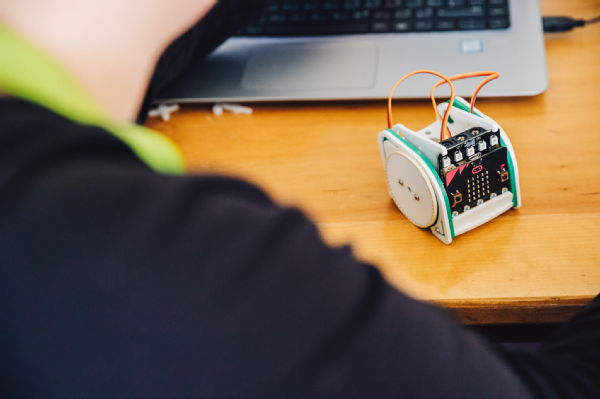
They are intended to be a loose starting point for you to play around with what the Micro:Bit can do, so if you don't feel like solving the challenges the same way as us... good! Get stuck in.
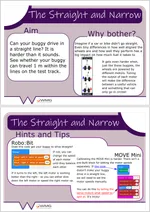
Make a buggy that can drive in a straight line. |
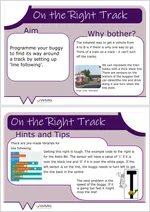
Program a Micro:bit buggy to follow a line. |
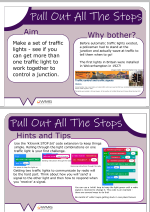
Control a traffic light with a Micro:bit. |
|||
|
|
|
|||
| Requires: Micro:Bit and a buggy like the :MOVE Mini and the Robo:Bit |
Requires: Micro:Bit and a buggy with a line following module |
Requires: Micro:Bit and a Kitronik Stop:Bit or other traffic light |
|||
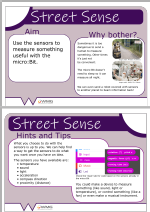
Invent a sensor to measure the world around you. |
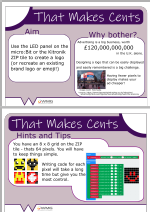
Design and display a logo with LED lights! |
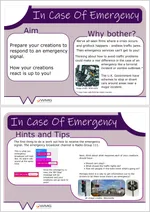
Create an emergency broadcast signal. |
|||
|
|
|
|||
| Requires: Micro:Bit (optional extras) |
Requires: Micro:Bit (optional extras) |
Requires: 2 Micro:Bits |
Want to know why we worked this way? Read more in our EERN paper about these challenge cards.
Ri Engineering Masterclasses at Warwick 2021
In July 2021 we ran a slightly modified version of our usual Ri Engineering Masterclasses with the aim of providing an opportunity for students to make a vehicle kit, tinker with it, and investigate how code controls the technological world we live in. You can view our Ri Engineering Masterclass resources here.
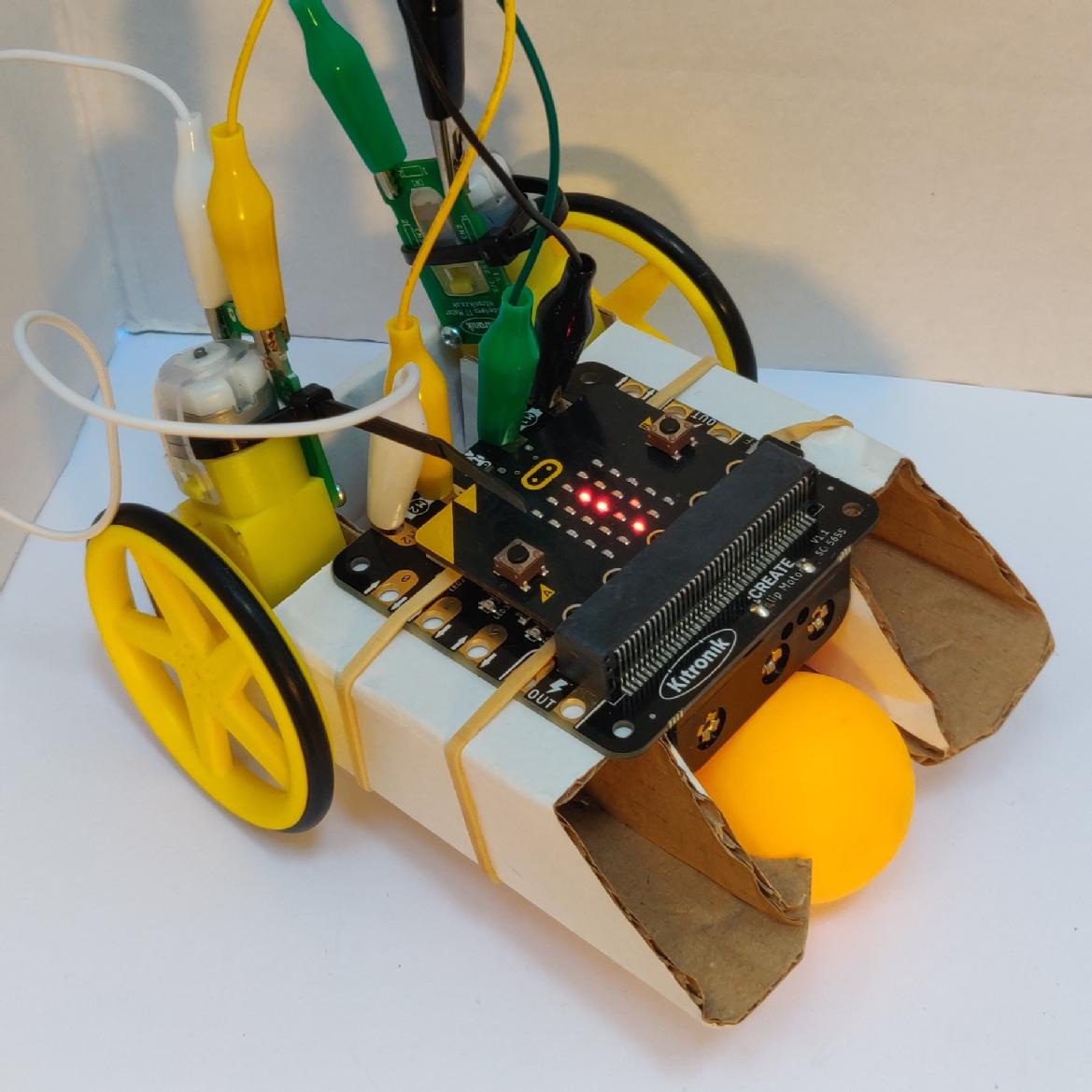
To find out more, read our report on the event. Our main learning points are that students love to get hands on and build a kit - but working remotely always makes these types of challenges tricky. If you'd like to have a go yourself you'll need a Kitronik Simple Robotics Kit, a Micro:Bit and a Clippable Detector Board.