
Teaching and Learning
Structure
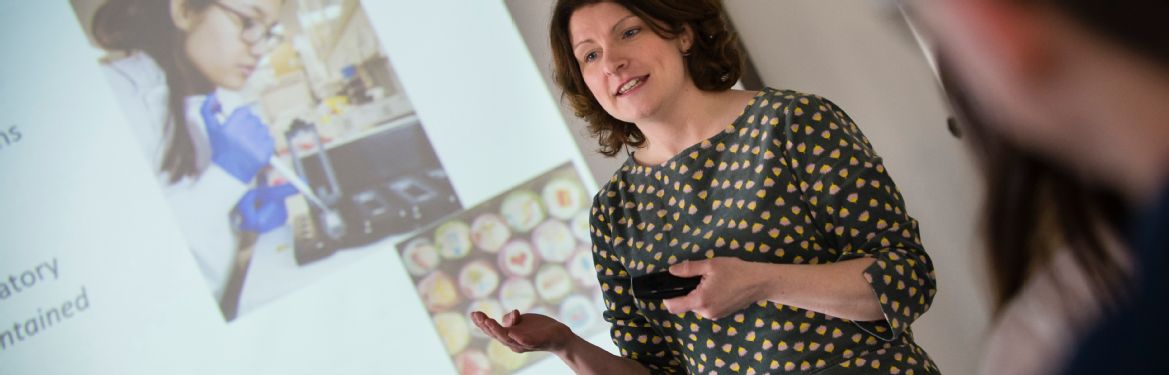
Normally you will study one module at a time for two weeks (there are some exceptions). This approach allows you to focus on gaining an in-depth knowledge of the subject area by concentrating on one topic at a time. Module leaders and lecturers adopt different teaching styles in order to provide you with the knowledge and understanding required to be successful in your chosen area of study. Teaching is by interactive lectures, small group workshops or tutorials.
Most of the information and resources you will need for your modules will be stored on Moodle, our virtual learning environment. These will contain any reading lists, lecture notes and recordings of lectures for you to view.
Your personalised timetable will be available through Tabula (another online Warwick system) and you will also be able to view this through the My Warwick app. Tabula will only begin to display your personalised timetable once you have registered for your modules.
Engagement
Not only do we expect you to be responsible individuals in your day-to-day life on campus, but you also need to extend these values online. Although our teaching and learning delivery is in person, a lot of course content and activities will be housed online on platforms used by the School of Life Sciences. Please spend some time looking through the resources below, which outline how you should conduct yourself on our departmental platforms.
The more actively you participate in sessions, the more you will get from your course and overall student experience. You have a responsibility to yourself, as an independent learner, to be organised and proactive so that you are able to make the most of your time at Warwick.
Platforms
The main teaching and learning platform you will use is Moodle. You may also use Microsoft Teams. Once your student details have been set up on the Warwick system, you will be able to access both of these and start familiarising yourself with them. There is also an administrative platform called Tabula which will show your personalised timetable and is also where you will submit coursework.
As a Warwick student, you have access to many software applicationsto use. IT Services 'Guides for Students using Academic Technology are specifically designed to support you in common activities and tasks using these tools.
Tabula has a separate manual - once inTabula Link opens in a new windowgo to the 'Need help?' button on the top right.
Technical Queries
Central IT Services are available to support you with any technical queries throughout your degree.