
Your digital platforms
Your digital platforms
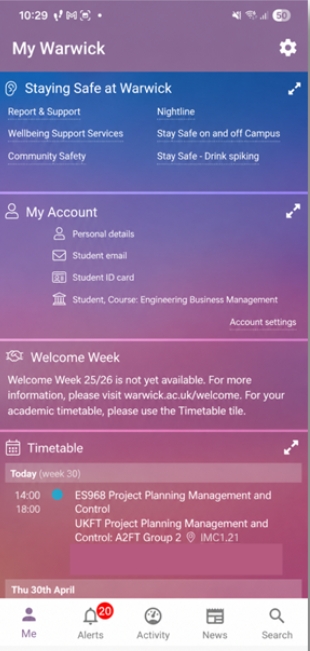
You'll use a variety of platforms to support learning and student life. You’ll grow more confident with these tools over time. This page will help you:
- Understand what each platform is for.
- Learn when and why you’ll use them.
- Discover students' top-tips to get the most out of each one.
If you're unsure, ask a member of staff in your department - they're here to help.
Callie, UG Sociology
New to Warwick? Start here
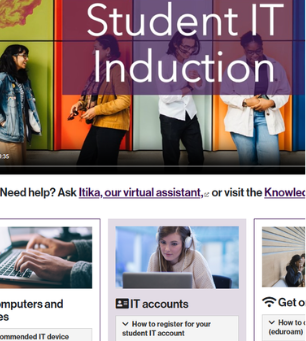
Complete the Student IT induction
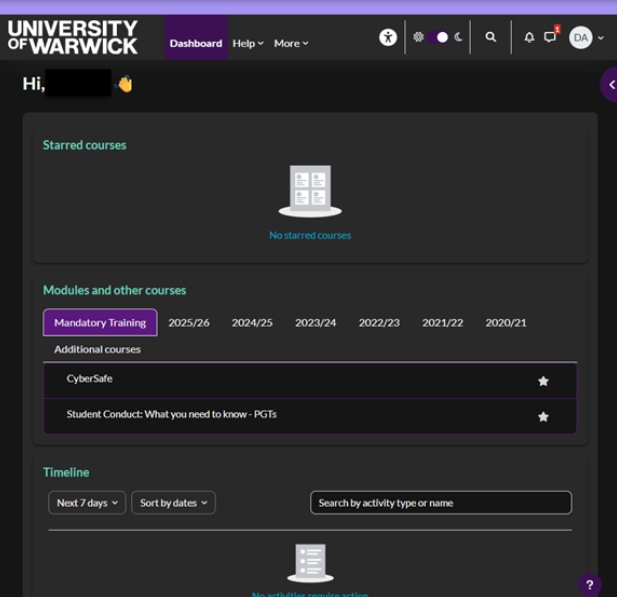
Completing your Student IT Induction is the first step after enrolling. This will provide you with access to: your IT account, student email, campus Wi-Fi and key platforms that you need for your studies such as: Tabula, Moodle and Microsoft 365.
When to complete it:
Right after enrolling – before arriving on campus.
Why it matters:
It unlocks all the digital tools you need to be a student at Warwick.

Teaching and learning platforms
Tabula: your course management platform
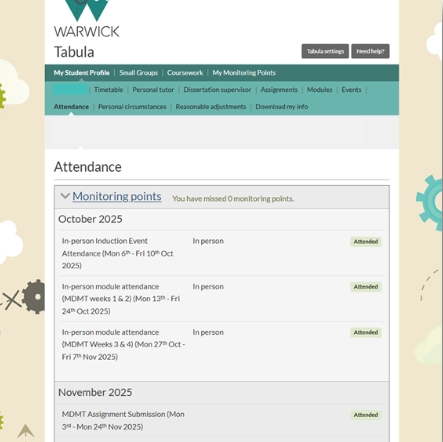
Use Tabula to view your teaching timetable, attendance, Personal Tutor details, manage modules, submit assignments and check marks and feedback.
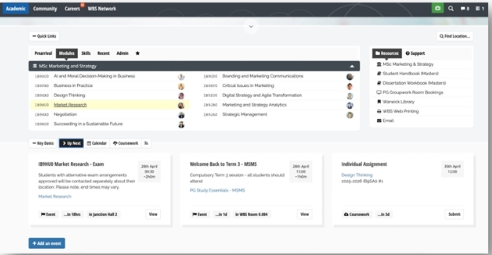
Note: WBS students use my.wbs instead.
Why it's important
Tabula helps you stay organised and on top of deadlines. As all your assignment grades are visible on Tabula, it is key for keeping track of your academic progress.
Student top-tip
“Check Tabula at the start of each day. This helps you to stay updated on timetable changes, such as room changes, cancellations or rearranged sessions. They will appear on Tabula first!”
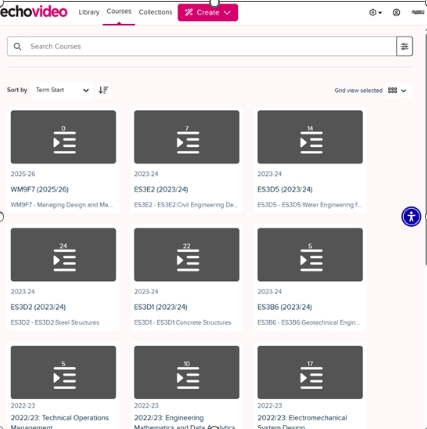
Other key platforms
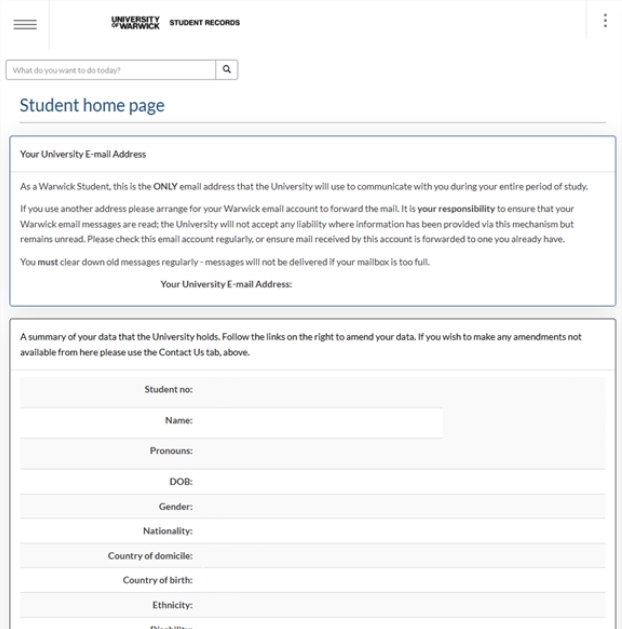
eVision: your student records portal
eVision is the University's student records system. It is where you update your personal details and confirm your module registration. You'll use it primarily in the first few weeks of term to register for modules.
Note: each department manages module registration a bit differently - they will let you know how it works for you. If you're unsure, ask an academic member of staff or your Personal Tutor.
Why it’s important
eVision is key for keeping your student record up to date. This includes your address, contact information, emergency contacts and module choices. If your details change, make sure to update eVision.
Student top-tip
“At the start of each term, check your record carefully. Pay close attention to the modules you’re registering for - contact your department if any details are incorrect.”

"I know all these new digital platforms may seem daunting at first. It took me a bit of time to experiment, but after some trial and error, I soon figured them out - and so will you! If you’re stuck, I found asking a course mate or my personal tutor really helpful."
Simran, UG History
Extra-curricular and community
Students' Union website
The SU website connects you to campus life. You can join sports clubs and societies, buy event tickets and access support services. It's your go-to for info on food outlets, course reps, student elections and the SU Advice Centre.
Why it's important
It helps you get involved. You can connect with fellow students with similar interests and find out what's happening on campus.
Student top-tip
“Click the profile icon (top right) to manage your SU account, view your purchases and access the societies you’ve joined”.


Assistive technologies and study support
The University offers a range of assistive software technologies. For example, the Library offers assistive software for students with disabilities, learning differences, or anyone looking to tailor their learning.
Tools include: text-to-speech software, literacy tools, screen readers, note-taking and dictation software and mind-mapping tools.